This page is meant to show some ideas for a new gui for Tracks that could be part of Tracks 3.0.
**I think it is very important to keep Tracks recognizable for long-time users. So nothing too radical here. This page is meant to get feedback, it is not an overview of an already settled redesign **
Note: the screenshots are taken from the experimental new-gui branch found in the Tracks repo.
background
The current gui is quite old and has a lot of complex code running it. Adding new functionality is quite difficult and error-prone, even though we have extensive tests.
Rendering times are awful, both on the server (controller / view) and on the client (dom rendering, js). We probably have a lot of dead js-code and unused css-styles
Furthermore, the look of Tracks is getting dated
goals
I see the following goals for a new gui
- Simplify the pages. Currently there is too much going on
- Ease maintenance by using well maintained frameworks. I like jQuery, Bootcamp and Font Awesome for this
- depend on their browser support. We should not try to support browser versions that are not supported by these frameworks
- Reduce page load time using the new caching functionality of rails 4 and some tricks as mentioned here: http://37signals.com/svn/posts/3112-how-basecamp-next-got-to-be-so-damn-fast-without-using-much-client-side-ui
- Make the default pages usable on modern tables / phones. We could keep the current mobile version and try to make the non-mobile version useable on ipad/iphone like devices, so supporting touch is a must-have
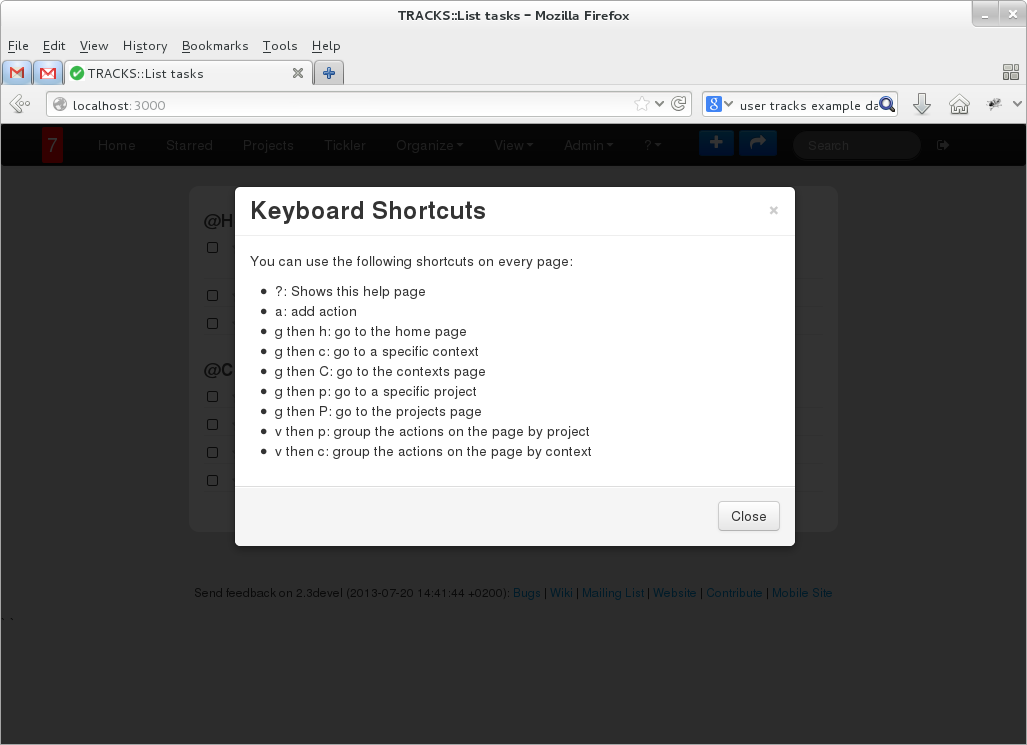
- include keyboard shortcuts like google reader had, gmail has, etc.
Overall look-and-feel
Changes
- Move to Bootcamp
- Remove form for new-todo and replace with
- Button in menubar to open new-todo form
- 'a' shotcut to use keyboard to quickly open new-todo form
- use one form to add single todo, multiple todos and repeating todos
- Remove list with project/contexts from sidebar
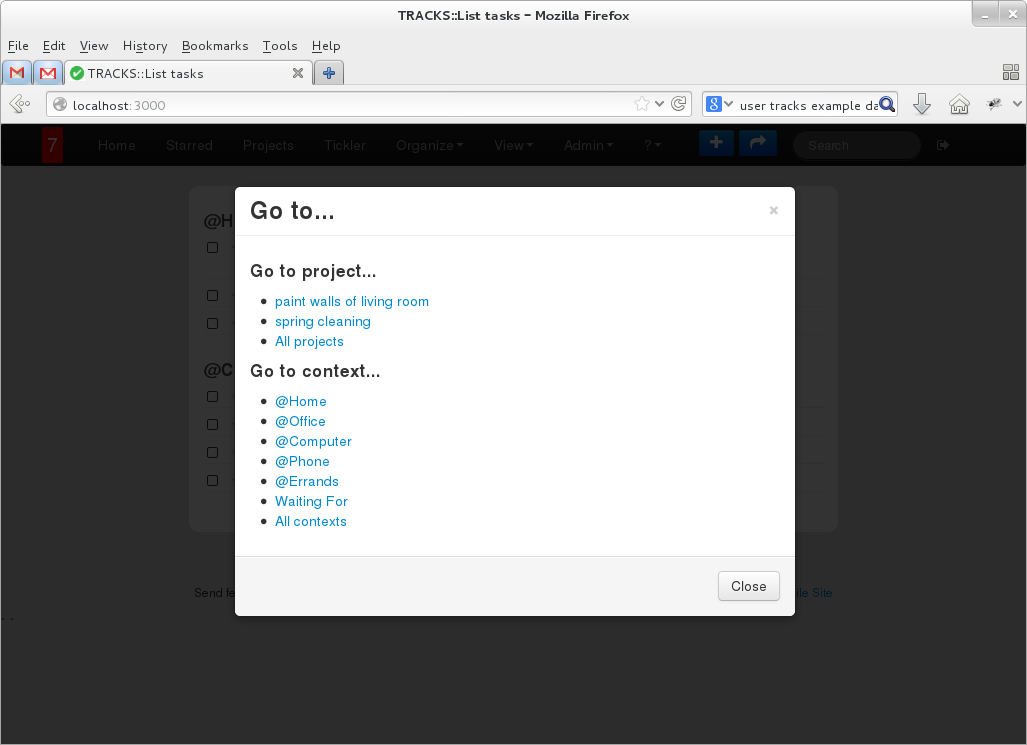
- Button in menubar to go to project / context
- keyboard shotcuts to quickly go to a project / context. For example use 'g c' to go to a context. This shows a dialog where you can type the context name with autocomplete functionality
- Show less information of a todo by default. Clicking the todo expands it and shows more detail and buttons with actions to do with the selected todo.
- De-emphasize the project and context container on a page. It about the todo
Screenshots
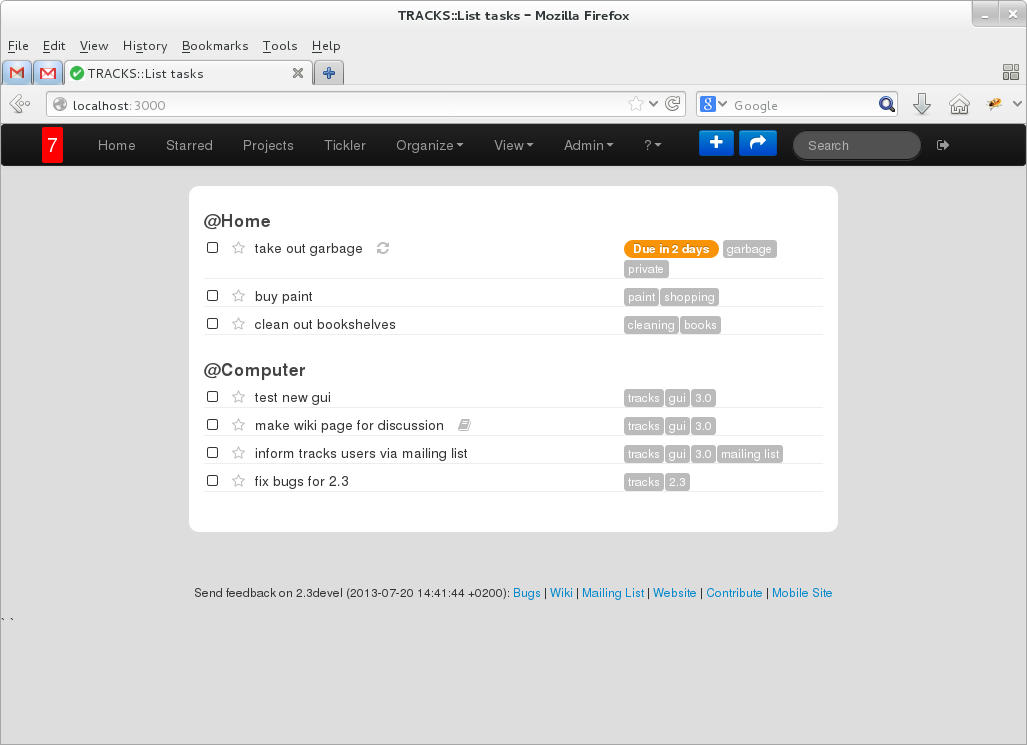
The following screenshot shows the homepage with much less stuff going on
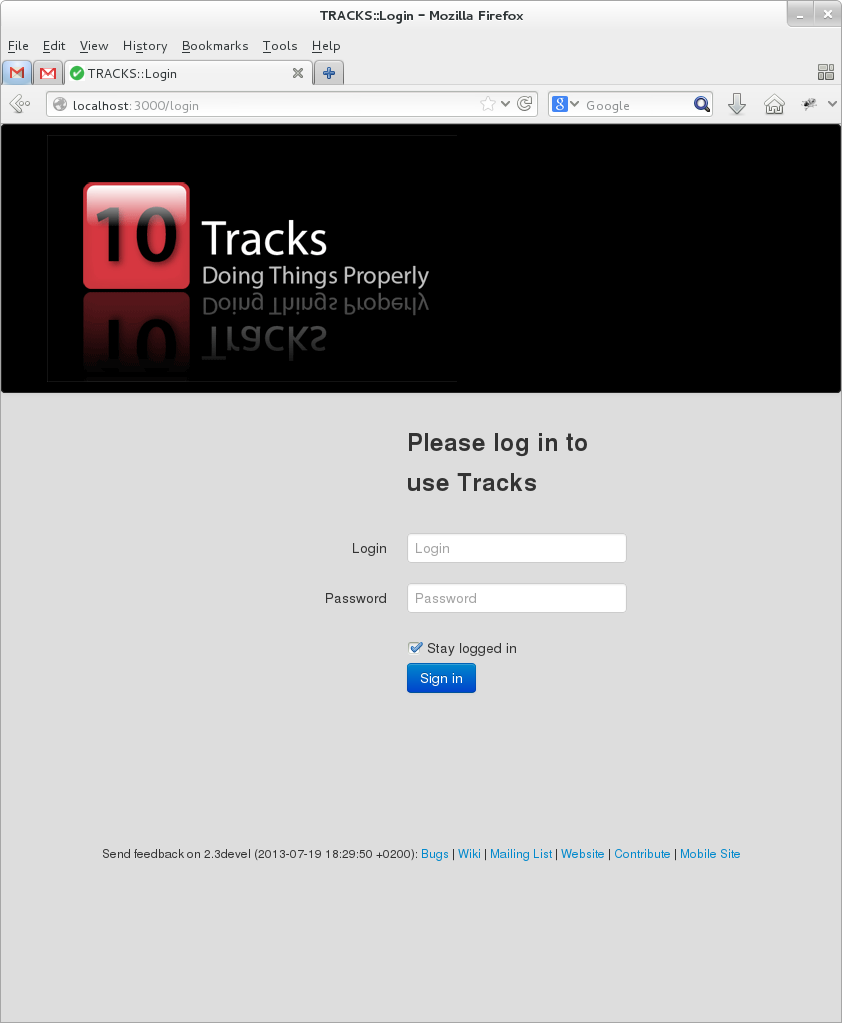
New login screen:
Hitting '?' shows help:
The go to button in the menubar (or hitting 'G') shows a dialog containing the lists of the old sidebar:
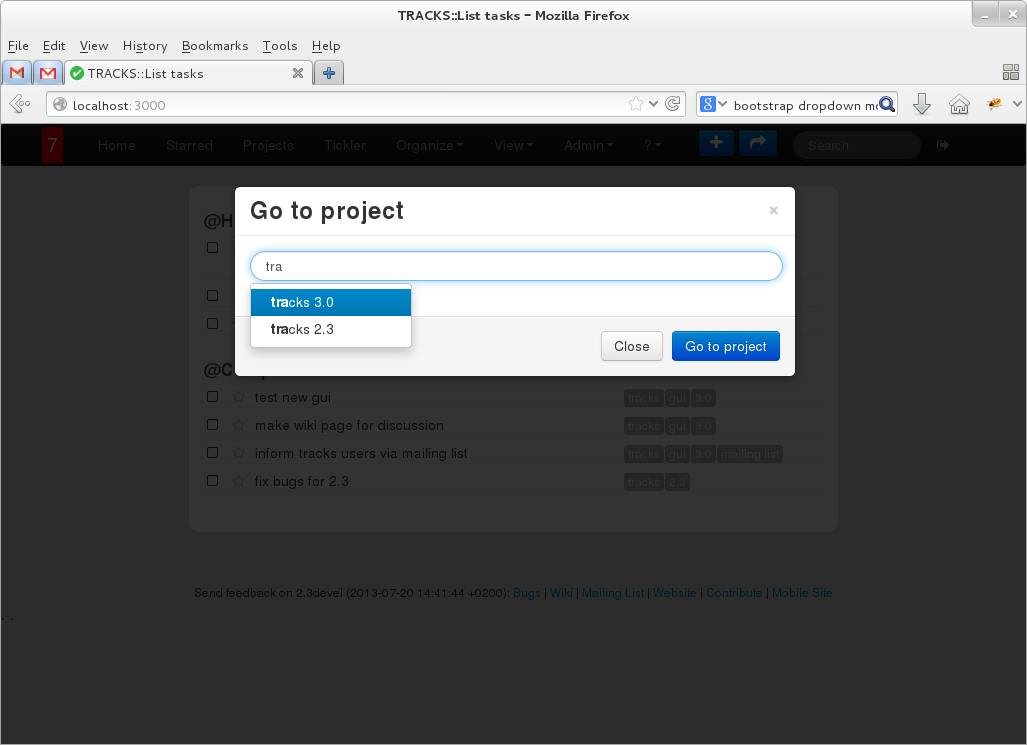
Hitting 'g c' or 'g p' shows a dialog to go to a specific context/project where you can use autocomplete to partially type the name of the project or context:
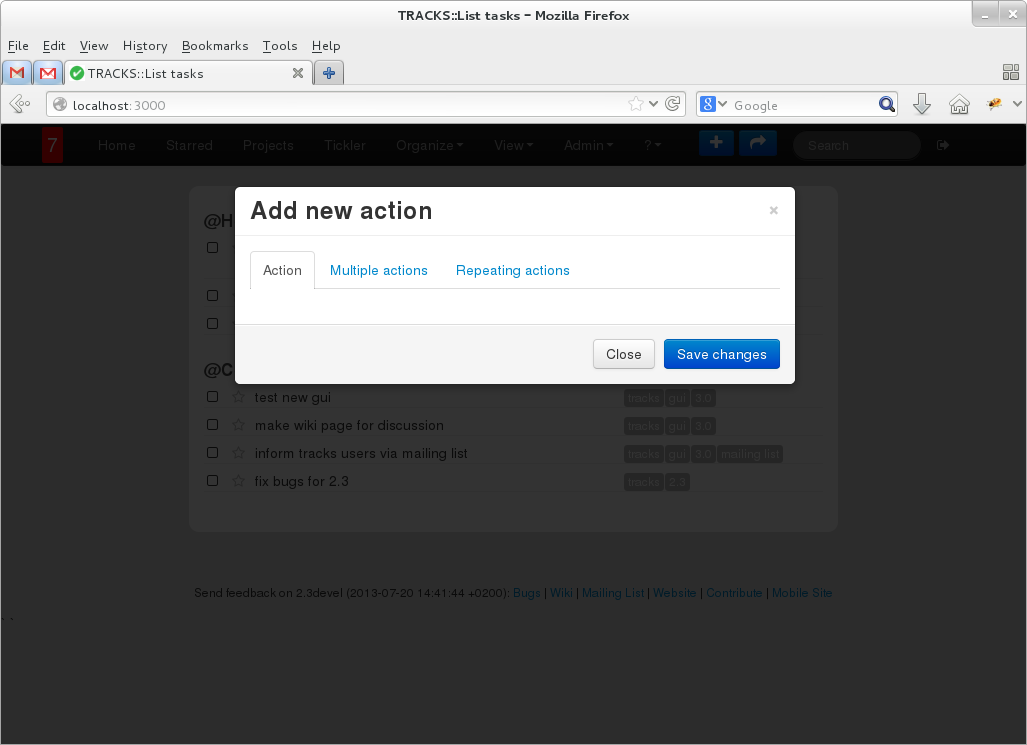
Hitting 'a' or clicking the button in the menubar shows the dialog for adding a (repeating) todo:
The form itself is currently missing, but the dialog should give you an idea...
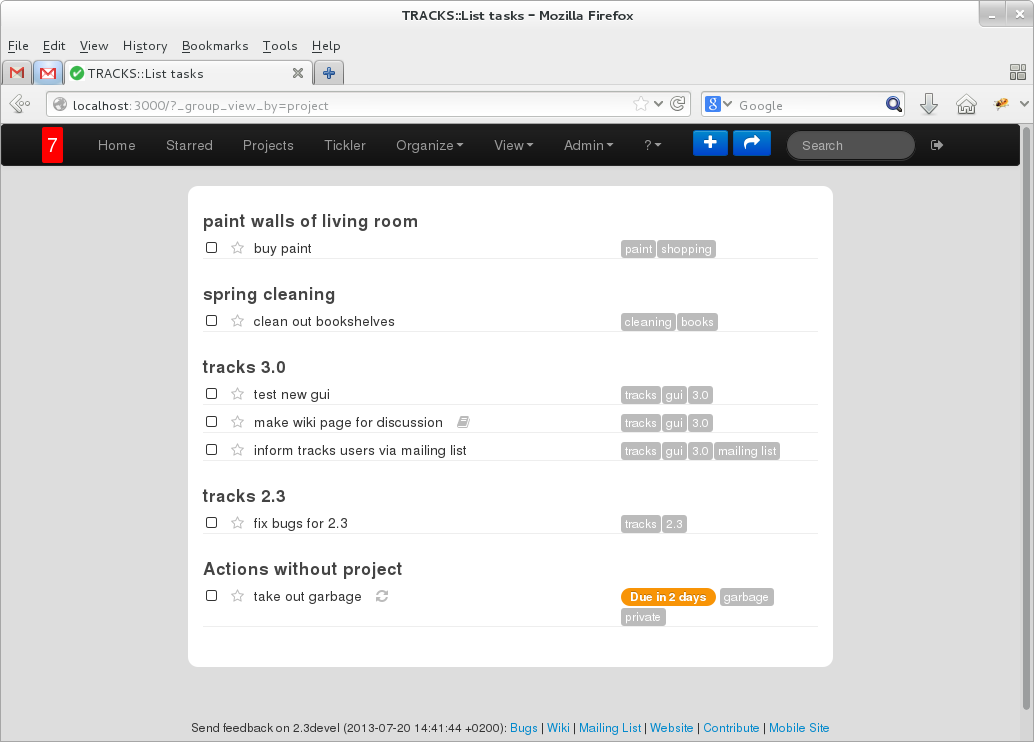
The list of todos shows less information. It can be grouped by context or project.
Home page grouped by context:
Home page grouped by project:
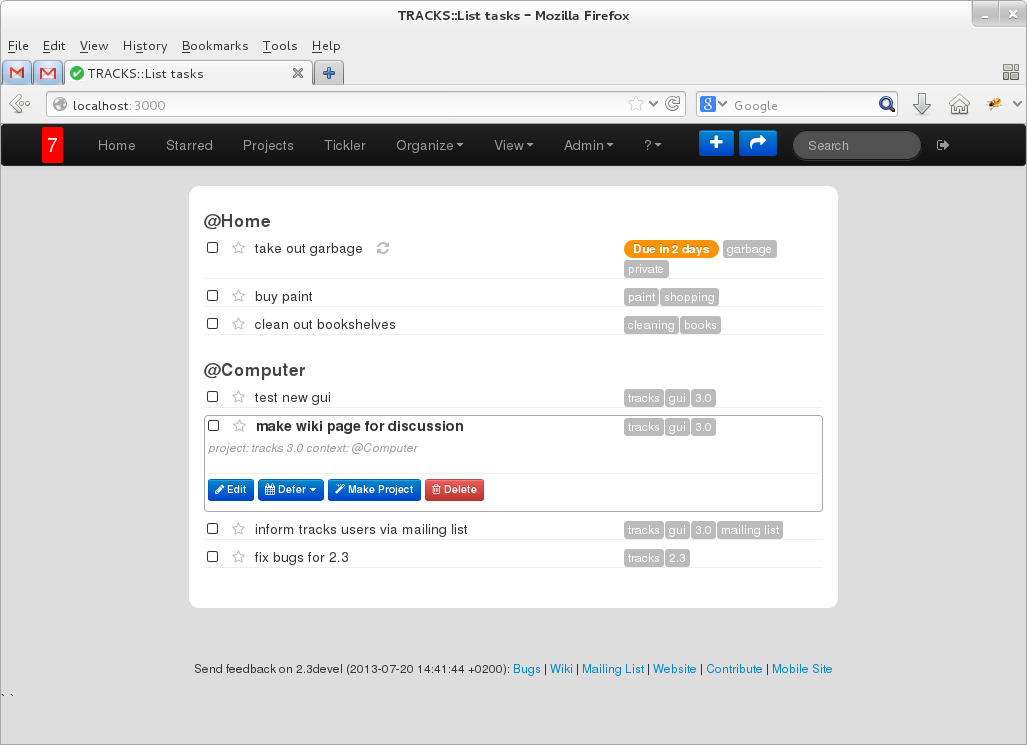
A todo is clickable and will show more information and the action buttons. You can use 'j' and 'k' to select next / previous todo.
To reduce load time, the details are rendered on the client on demand:
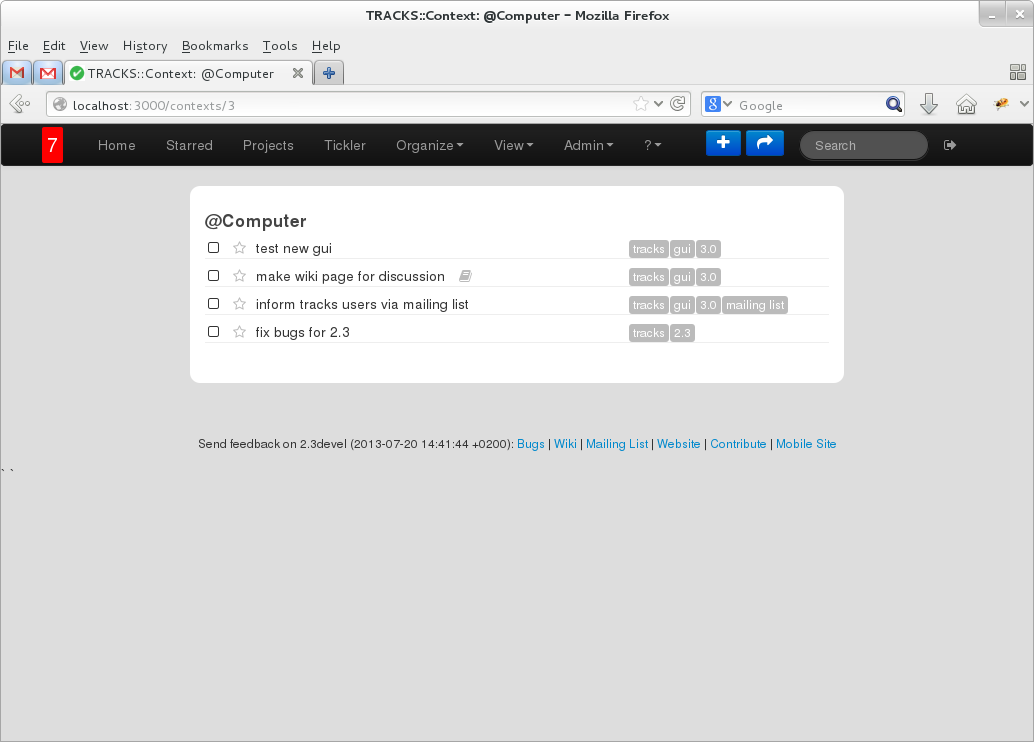
The project, context, tag view are all looking the same and is re-using the same code
Todo
- introduce drag-and-drop to order todos within context / project on all pages
- redo the page listing all projects
- redo the page listing all contexts
Other ideas?
I'm playing around with some ideas in my own sandbox. --dnrce