 206828b440
- Fixes #4089
Also this was broken too:
docker-compose exec wekandb apt-get update
because /tmp didn't exist, it was introduced by this commit:
|
||
|---|---|---|
| .. | ||
| CHANGELOG.md | ||
| docker-compose.yml | ||
| LICENSE | ||
| README.md | ||
Docker: Wekan to PostgreSQL read-only mirroring
- Wekan kanban board, made with Meteor.js framework, running on Node.js -- GitHub
- MongoDB NoSQL database
- ToroDB: MongoDB to PostgreSQL read-only mirroring, programmed with Java -- GitHub -- Interview at FLOSS Weekly
- LibreOffice with native PostgreSQL support
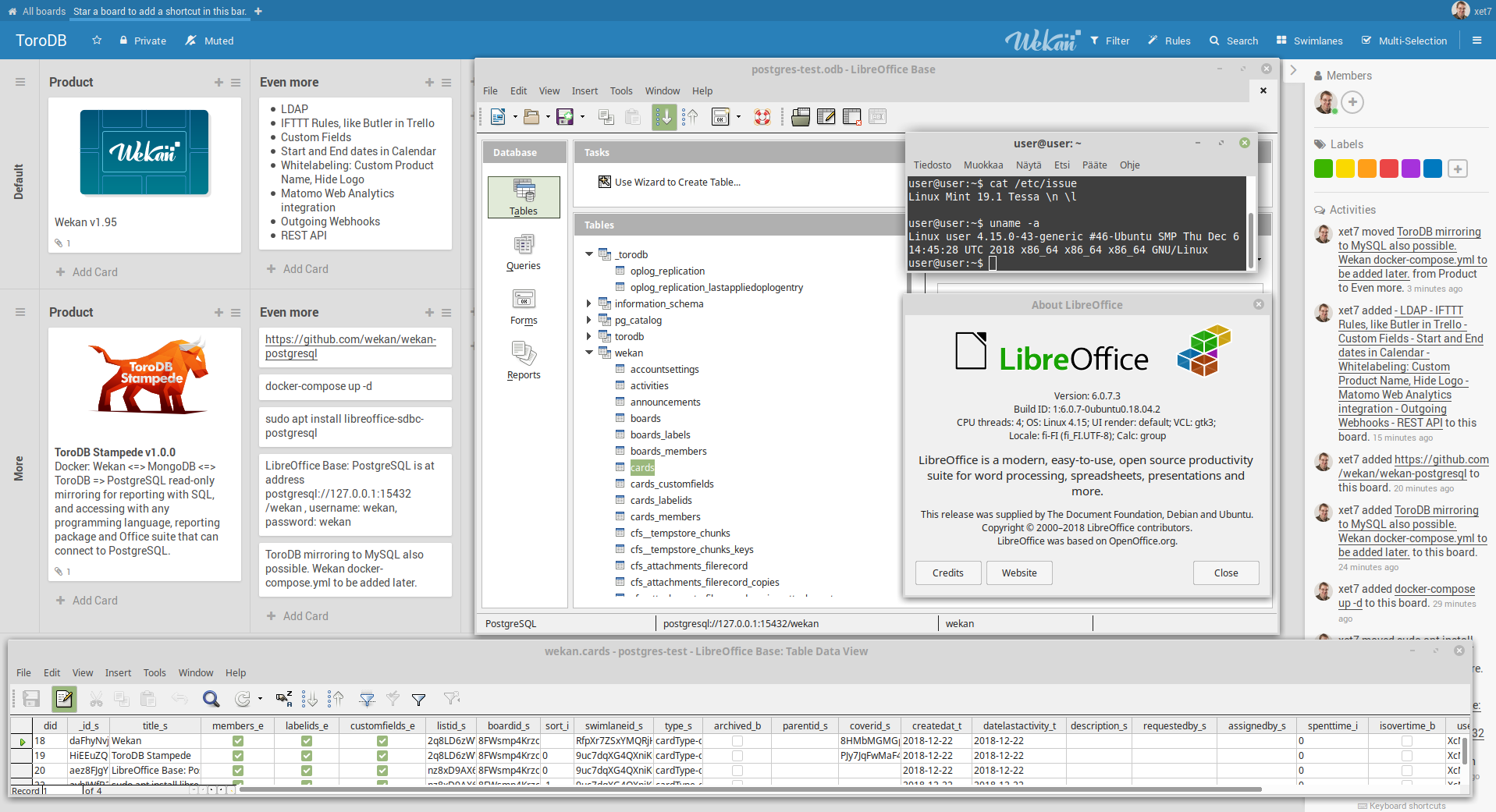
Screenshot
Install
-
Install docker-compose.
-
Clone this repo.
git clone https://github.com/wekan/wekan-postgresql.git
cd wekan-postgresql
-
IMPORTANT: In docker-compose.yml, to use Wekan on local network, change ROOT_URL=http://localhost to http://IPADRESS like http://192.168.10.100 or http://example.com
-
OPTIONAL: In docker-compose.yml, change PostgreSQL database name, username and password from wekan to something else.
-
Write:
docker-compose up -d
-
Wekan is at http://IPADDRESS or http://example.com (port 80)
-
PostgreSQL connection URL for LibreOffice is
dbname=wekan hostaddr=127.0.0.1 port=15432 user=wekan password=wekan. In some other apps URL could be postgresql://127.0.0.1:15432/wekan , and Username: wekan, Password: wekan , or others if you changed those at docker-compose.yml. Do not write to PostgreSQL, as it's readonly mirror. Write to MongoDB or make changes in Wekan. If server port 15432 open, PostgreSQL can be accessed also remotely at local network at http://IPADDRESS:15432/wekan -
MongoDB is at 127.0.0.1:28017
-
Wekan and databases bind to address 0.0.0.0 so could be also available to other computers in network. I have not tested this.